Field-first views
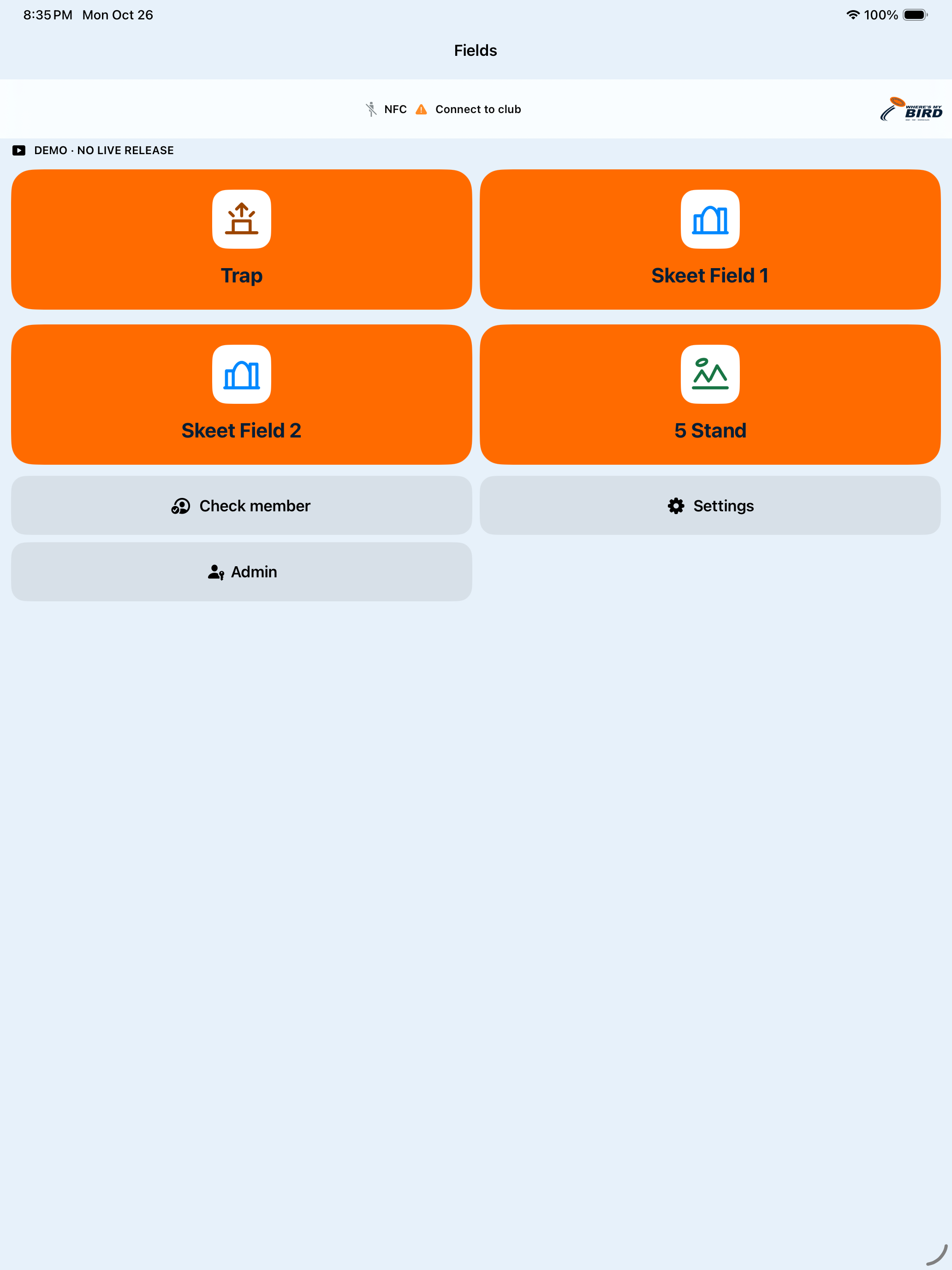
Choose a view for Trap, Skeet or Five Stand, with the selected field and round in focus.
 where’s my bird.
Talk about your club
where’s my bird.
Talk about your club WHERE’S MY BIRD CLUB
Keep the squad, current shooter, selected field, round progress and recorded score together on a clear mobile screen.
Private testing and supported features vary by build and club setup.
BUILT FOR OPERATORS
Choose a view for Trap, Skeet or Five Stand, with the selected field and round in focus.
Set up one to five shooters, confirm the squad and keep the current turn visible to the operator.
A registered physical card can help recognize a shooter with a supported, commissioned reader. The operator still confirms the next step.
Record Hit or Miss, correct an entry with Undo and follow round progress and shooter order.
Keep reviewed on-screen scorecards alongside the round.
Give approved operators a focused field workflow while staff and configuration permissions stay distinct.
ACTUAL CLUB DEMO SCREENS
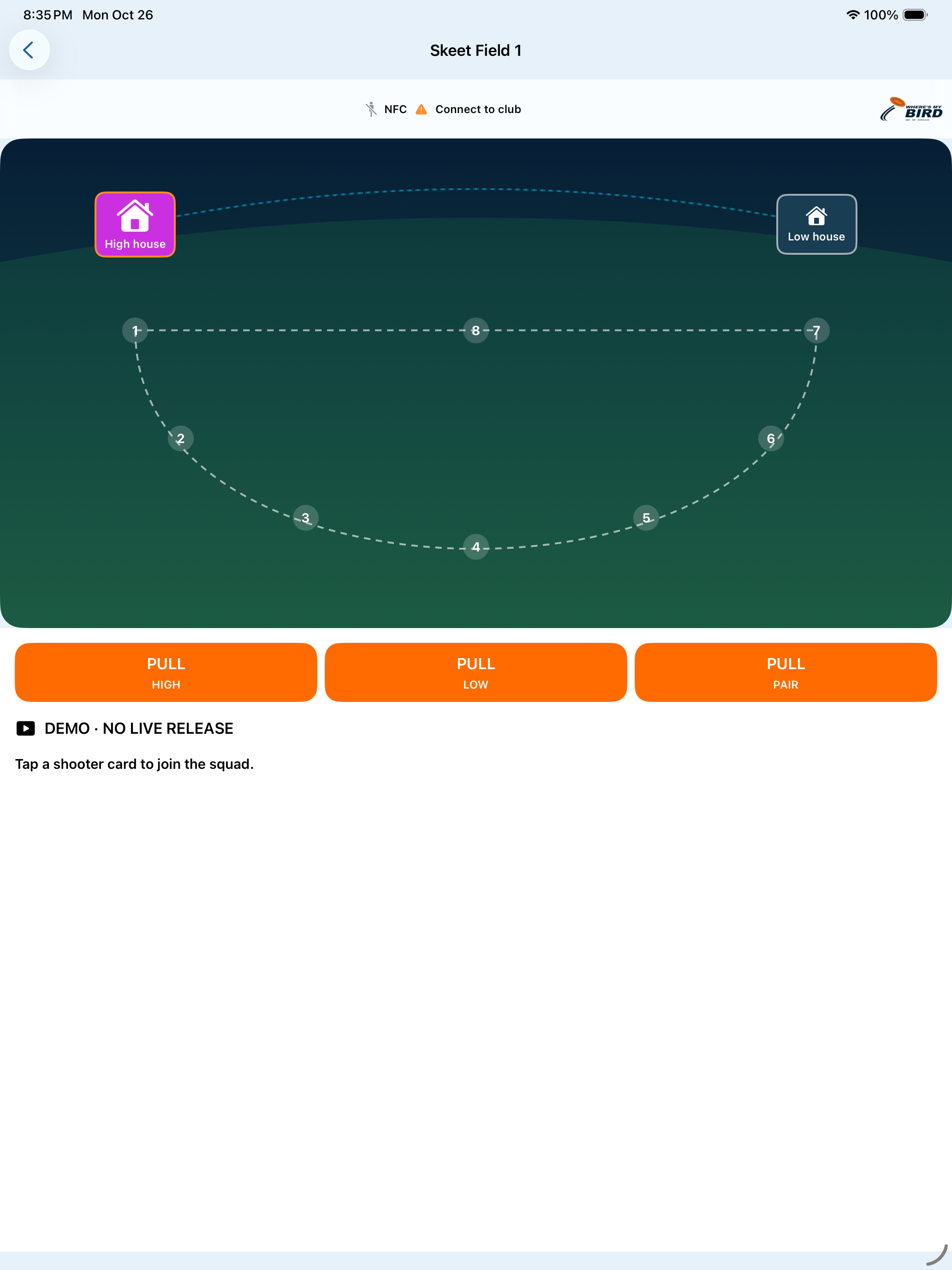
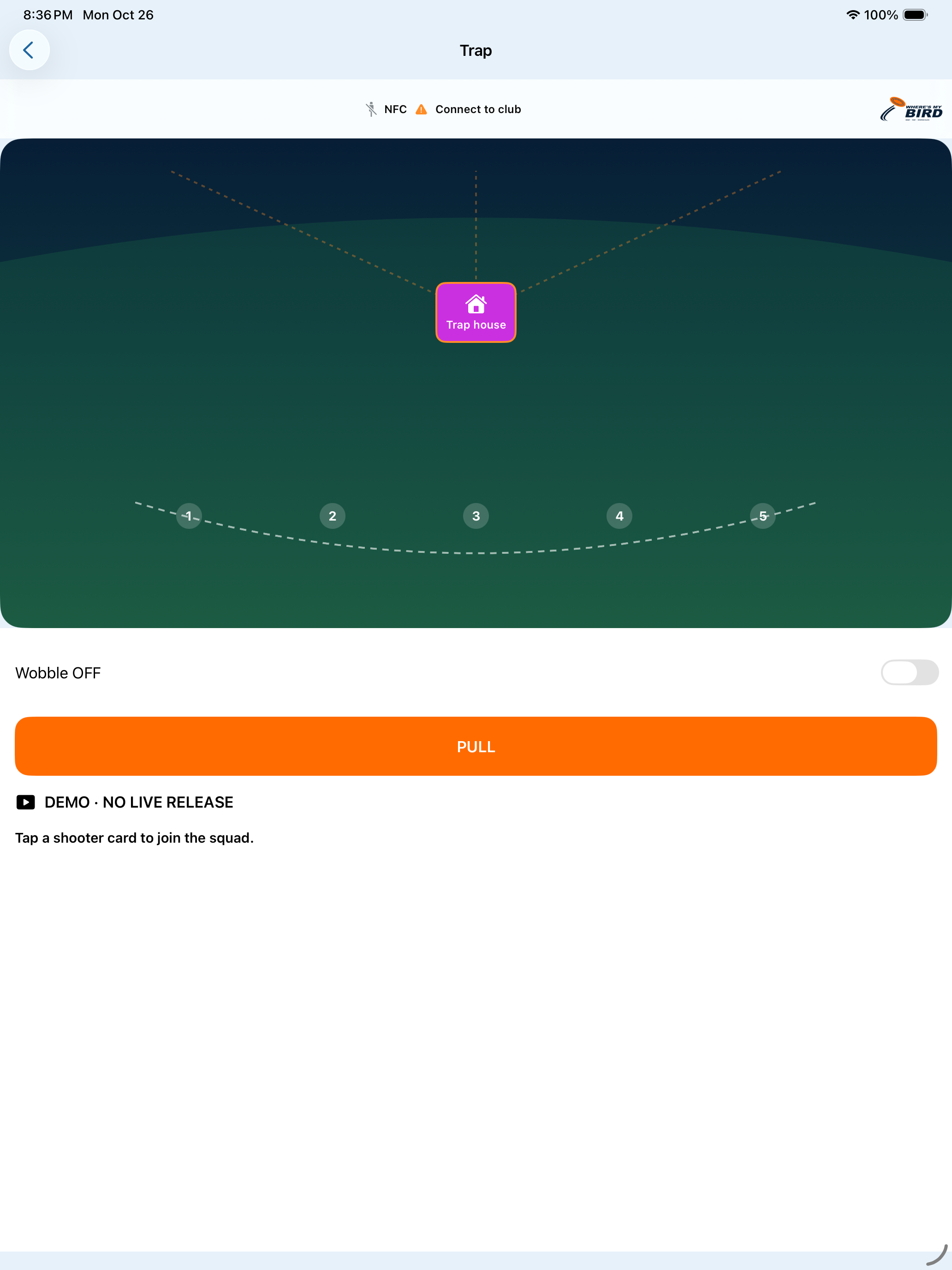
These are unaltered iPad demo captures. The visible no-live-release label matters: a software screen does not prove a commissioned reader or target connection.
SCORES THAT STAY WITH THE ROUND
See recorded hits and misses as the round progresses, correct an entry with Undo and keep a reviewed scorecard with the session.
The example uses fictional practice data; hits and misses are operator-recorded.
Example only · no live club data or physical target control
TAP TO PLAY, EXPLAINED
Where a club has registered cards and commissioned a compatible reader, a physical card tap can identify a shooter for operator review. The team places that shooter in a squad, confirms the selected field and round, then records scoring as the session unfolds.
The card tap does not automatically release a target. Reader and card acceptance are checked for each installation; phone Wallet NFC is a separate future capability.
PROGRAM THE PRESENTATION
Reviewed field layouts and saved presentation programs can guide the operator through supported singles, report pairs and true pairs where the commissioned field capability allows. This is software configuration, not universal radio or trap-firmware programming.
Layout editing and some manual intake workflows are still in development. Physical output, reader acceptance and equipment compatibility require club-specific verification.
IN DEVELOPMENT TESTING
Club is being tested on iPad and Android. Its field selection, squads and on-screen scoring are software workflows; registered physical-card recognition and compatible reader use depend on club setup and acceptance. A card tap does not automatically release a target.
See the current product stageTell us which disciplines, shared devices and existing equipment your team uses.
Talk about your club ↗