Member app
A personal shooting journal and participating-club membership views are being tested on iPhone. Club-connected information appears only where a club enables it.
Explore Member where’s my bird.
Talk about your club
where’s my bird.
Talk about your club CLAY SHOOTING SOFTWARE
Purpose-built mobile apps and club-specific software help field teams, shooters and staff see the right part of the shooting day.
Features and integrations depend on your club setup, supported hardware and release.
CURRENT STAGE
Explore the parts already in private testing and see what is still being developed. Features depend on each club’s setup and release.
A personal shooting journal and participating-club membership views are being tested on iPhone. Club-connected information appears only where a club enables it.
Explore MemberOperator-facing iPad and Android software is being tested for field selection, squads, scoring and club-configured card workflows.
Explore ClubEach club’s installation brings its member records, fields, staff roles and recorded rounds together. Read-only field views are being tried at a configured club.
Explore Club ServerA CONNECTED PICTURE
Member, field team, club server and board each have their own place. The connection shown here is an illustrative Canva concept, not a product screen or a promise that every integration is active at every club.
See what is in testing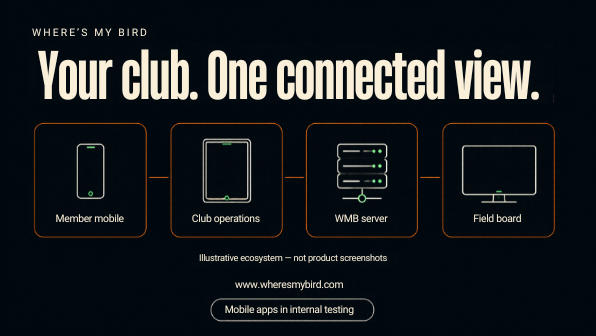
THREE PARTS. ONE CLEARER PICTURE.
Give each person a focused view, from the operator setting up a round to the shooter keeping a personal record.
Field-first controls for squads, rounds, recorded scores and reviewed scorecards.
Explore Club ↗A personal shooting journal, with participating-club information where enabled.
Explore Member ↗A club-specific operational hub for records, field configuration and staff visibility.
Explore Club Server ↗FROM THE CLUB APP
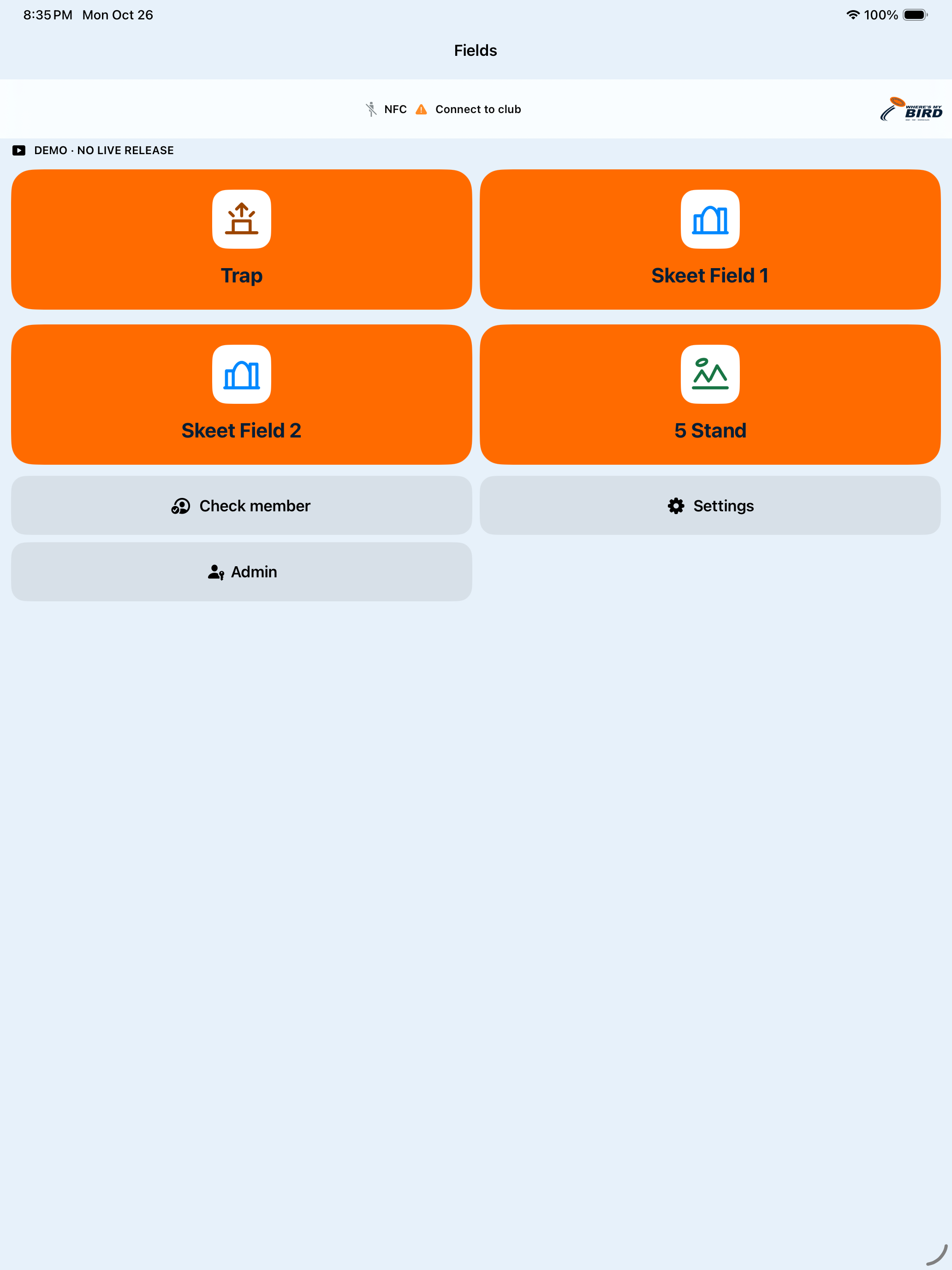
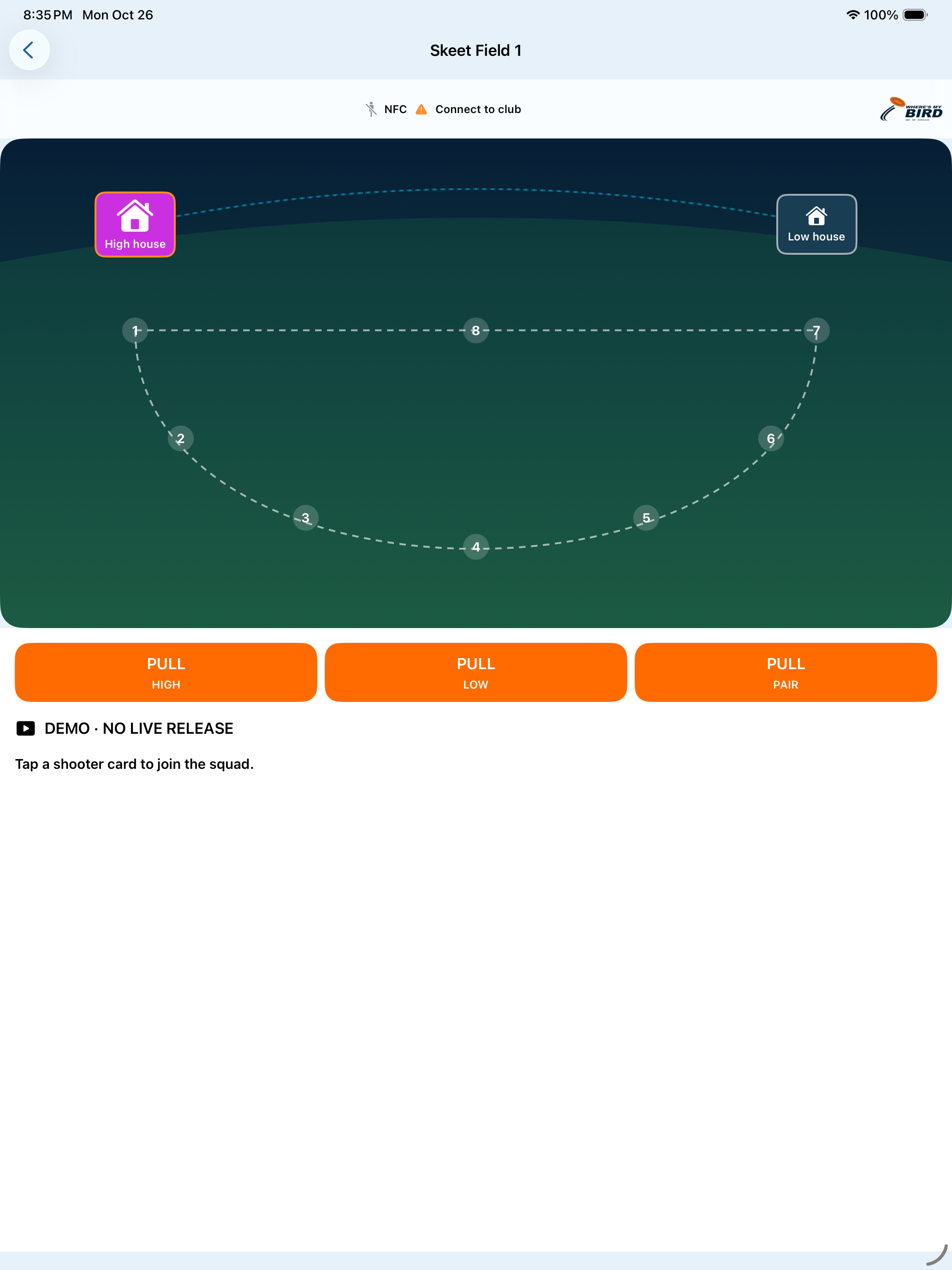
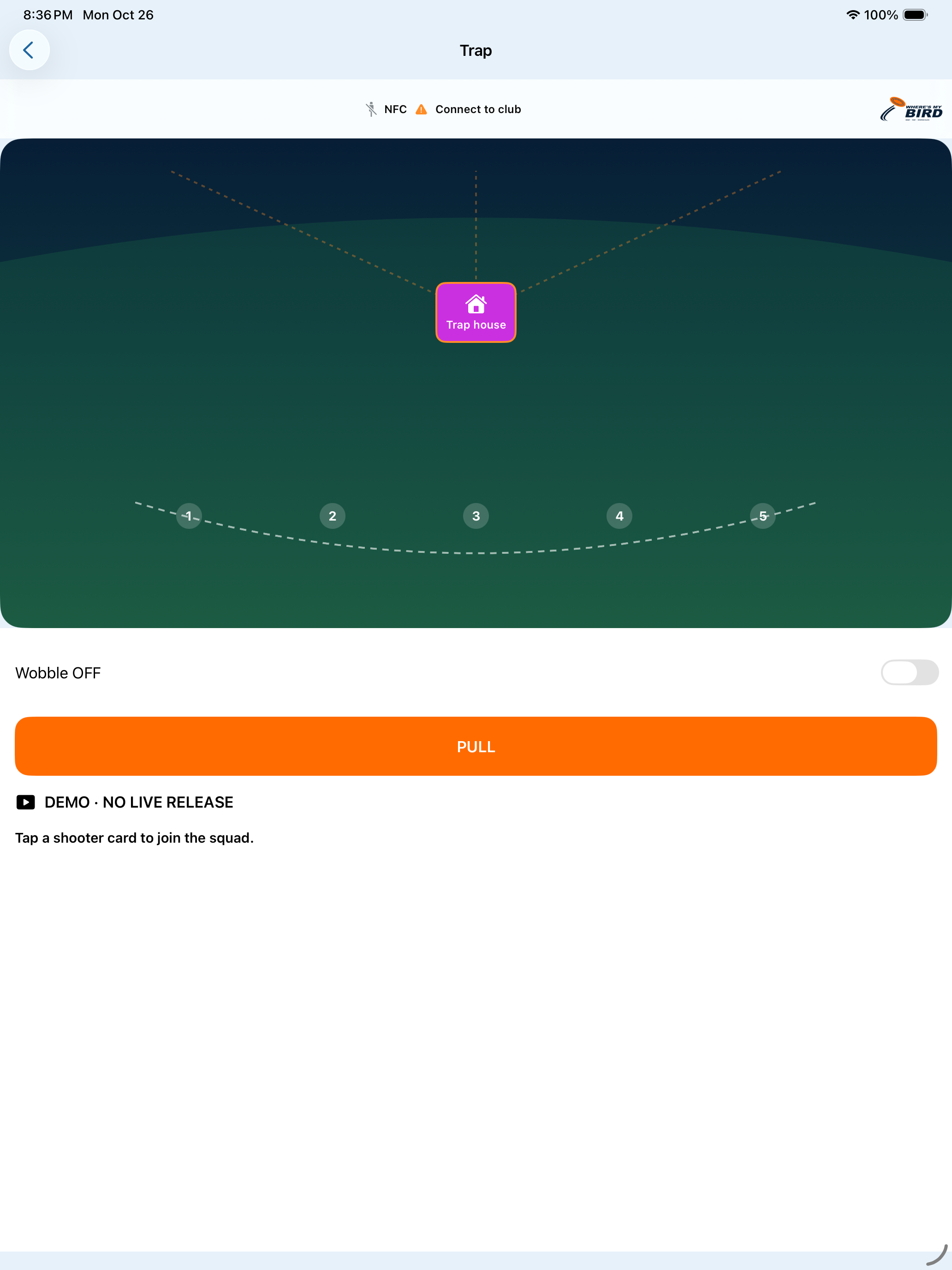
Real screens from the Club iPad demo build. These show software layout only; they do not show a commissioned club connection or physical target control.
THE ROUND, IN CONTEXT
With a configured, supported card reader, a registered physical card can help identify a shooter for the field team. Operators confirm the squad, follow the selected round and record Hit or Miss. The scorecard stays with the round.
A card tap does not automatically release a target. This is an illustrative software workflow, not a live control screen.
See the Club workflow ↗EXISTING EQUIPMENT
Integration with compatible existing Long Range field equipment can be assessed and commissioned for your club.
Understand the equipment and field workflow already in place.
Map the software experience and any compatible field connection.
Set up club-specific fields, staff roles and reviewed programs.
Verify supported behavior with the club and train the team.
Compatibility is assessed for each installation. A phone is not a universal RF remote, and this site does not operate field hardware.
Check equipment compatibility ↗A CLUB-SPECIFIC START
We review your field and member workflow before proposing an installation. Existing wireless equipment is assessed for compatibility rather than assumed to work everywhere.
Review disciplines, fields, staff roles, card use and the information members need.
Identify compatible existing field equipment and plan the separate field connection if one is suitable.
Configure fields, permissions and approved devices around the club’s own procedures.
Validate the intended workflow with staff, then introduce supported member views in stages.
WHAT’S NEXT
Member field-controller access, Wallet passes and a wider multi-club management platform are separate work in progress. They are not included as available features today.
See product stagesLET’S TALK
Tell us about your fields, staff workflow and the software your shooters need.
Talk about your club ↗